Product Overview
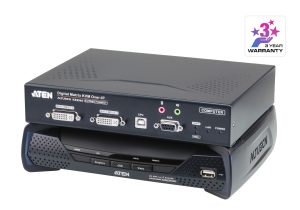
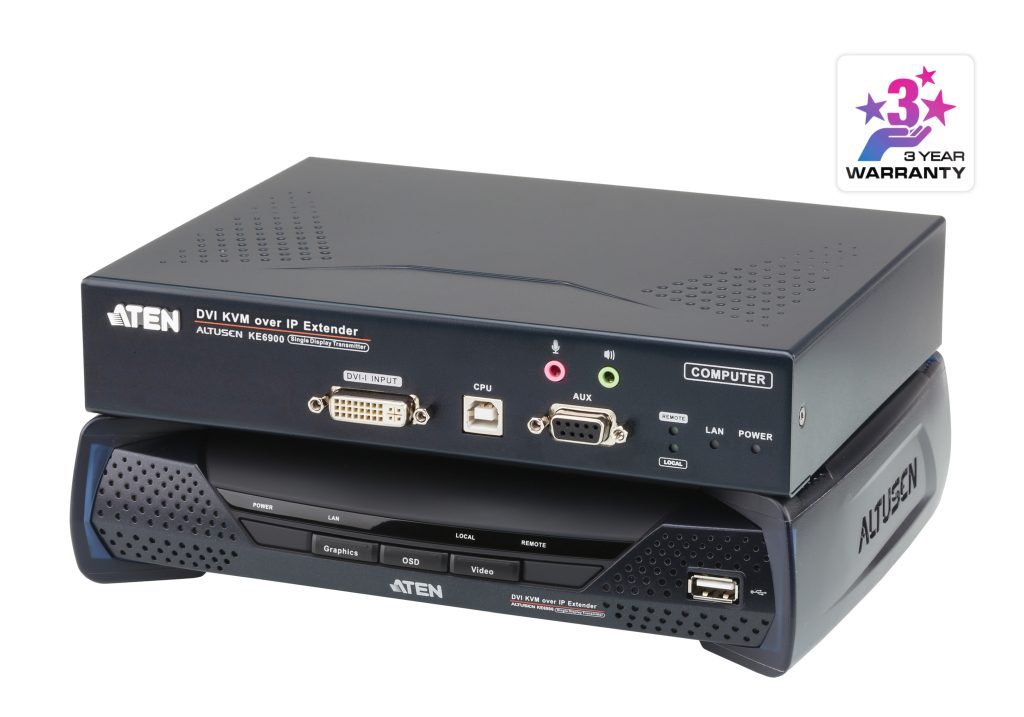
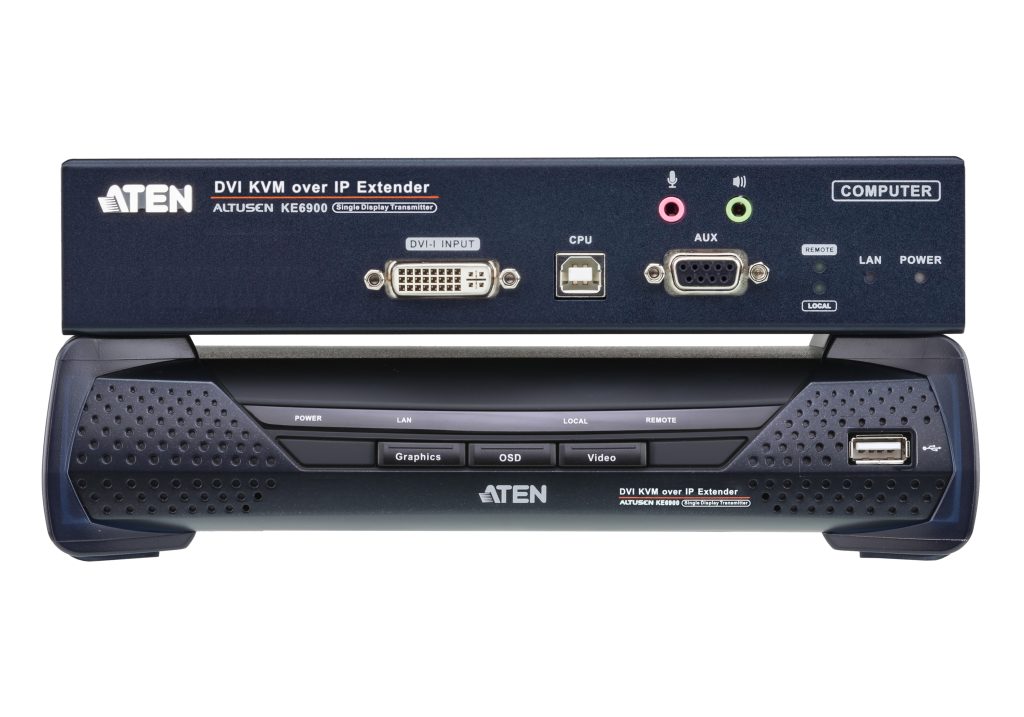
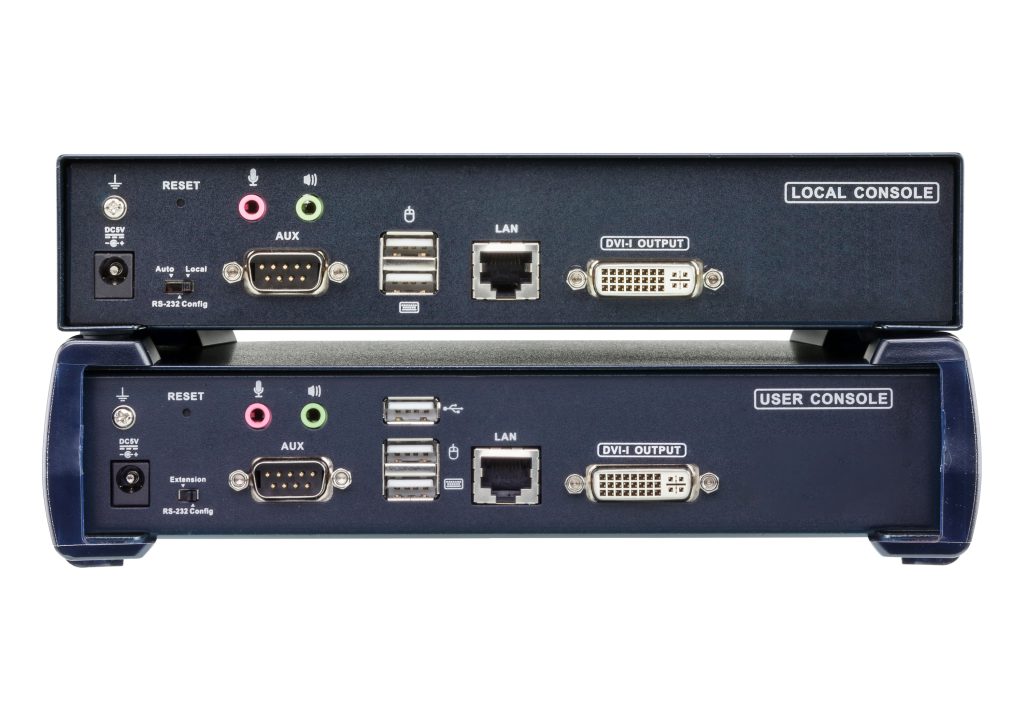
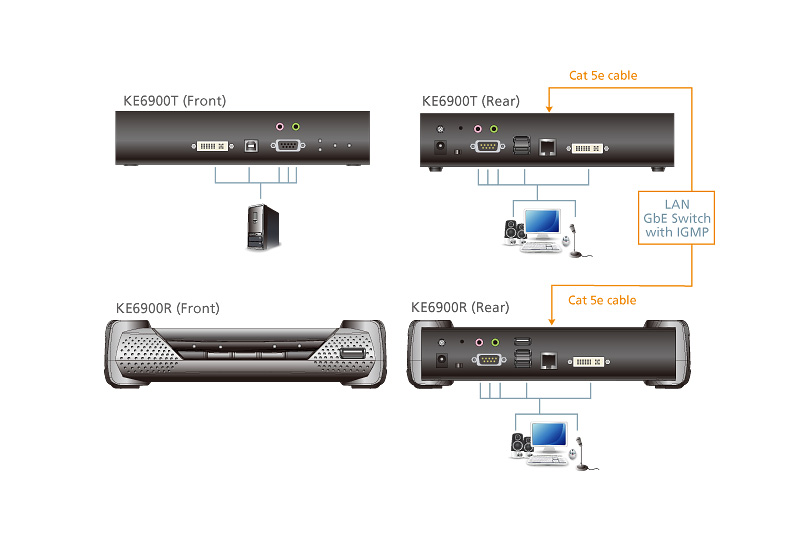
The KE6900 is ATEN’s KVM-over-IP extender for applications where the computer must be secured away from the user station. It delivers lossless, zero-latency video at up to 1920 x 1200 @ 60 Hz over a wired IP link, with both RJ45 and SFP module connectivity for runs up to 10 km on fiber.
Security and reliability features documented by ATEN include AES-128 encryption, CCKM fast roaming and dual power supply support. The KE6900 is covered together with the KE6940/KE6900ST in ATEN’s official KVM extender datasheet.
- Lossless, zero-latency video up to 1920 x 1200 @ 60 Hz
- RJ45 + SFP fiber module connectivity up to 10 km
- AES-128 encryption for secure transmission
- CCKM fast roaming support
- Dual power supply support
| Video | 1920 x 1200 @ 60 Hz, lossless, zero latency |
| Link | RJ45 + SFP, up to 10 km (fiber) |
| Security | AES-128, CCKM |
| Power | Dual power supply |
| Datasheet | ATEN KE6900/KE6940/KE6900ST KVM extenders datasheet PDF (assets.aten.com) |
Frequently Asked Questions
How do I choose the right ATEN for my site?
Consider capacity, site power, environment and monitoring needs. Share your requirements with BS Comtec and we will compare suitable models from multiple brands for you.
Is ATEN compatible with my existing equipment?
Compatibility depends on your electrical infrastructure and connected devices. Our engineers can review your setup and confirm interfaces and integration before you order.
Does BS Comtec ship ATEN internationally?
Yes. BS Comtec ships worldwide and freight options depend on destination, weight and urgency. Contact us for a shipping quote to your location.
What warranty and after-sales support are available for ATEN?
Warranty follows the manufacturer policy for your region, and BS Comtec provides technical documentation and engineer-level support throughout the project.
Q: KVM extender over IP — how does it work?
A: A KVM over IP extender encodes keyboard, video and mouse signals into standard Ethernet frames at the transmitter, sends them across a LAN/WAN to a receiver that decodes and presents them at a local console. The protocol uses UDP/TCP with forward error correction for frame sync. Resolution ranges from 1080p60 on copper models to 4K60 dual-head on fiber units like the ATEN KE6900 with SFP modules for distances up to 10 km. Management via web GUI or SNMP, with OSD menus for EDID learning and video format selection.
Q: What is the difference between a KVM extender and a KVM switch?
A: A KVM switch connects multiple computers to one console in the same rack or room, switching at button press. A KVM extender transports keyboard, video and mouse over long distances—tens of meters to kilometers—across standard IP networks. Switches are for local access consolidation; extenders are for remote access across buildings or cities. Many installations combine both: a matrix switch at head-end routes sources, extenders deliver them to remote consoles. Browse our KVM extender category for IP, fiber and copper models.
Q: How far can a KVM extender reach over IP?
A: Reach depends on transport. Over CAT6 (1000BASE-T), standard KVM IP extenders reach 100 m per hop; managed switches relay across multiple hops for campus-wide coverage. Over single-mode fiber with SFP modules, units like the ATEN KE6900 achieve 10 km+, suitable for military bases, oil-and-gas sites and broadcast facilities. Dedicated fiber latency is under 1 ms; switched Ethernet adds 5–20 ms per hop. For very long distances, KVM-over-IP gateways tunnel through WAN links with compression.
Q: KVM extender for church production — what to choose?
A: Church AV systems need to route video from stage to a control booth 50–200 m away, passing USB for playback software and MIDI controllers. A dual-head 1080p60 or 4K30 KVM IP extender over CAT6 is standard: one transmitter at the stage rack, one receiver in the booth via existing Ethernet. Look for USB 2.0 pass-through, RS232 for projector control and EDID management to prevent resolution renegotiation during services. For multiple camera feeds, combine the extender with a KVM switch at the booth. Fiber is preferred for runs exceeding 100 m or crossing electrical isolation boundaries.
Q: KVM extender for hospital operating room — requirements?
A: OR KVM extenders must meet medical-grade isolation (IEC 60601-1 leakage limits), support 4K surgical-display resolution at 60 Hz and pass USB for touch-screen interaction with PACS and imaging systems. Latency must stay under 16 ms (one frame at 60 Hz) to avoid hand-eye mismatch. Dual-link DVI or DisplayPort with HDCP ensures compatibility with surgical monitors. The fiber-based ATEN KE6900 with SFP modules provides electrical isolation and 10 km reach between the OR and server room. All cables must route through medical-grade conduit and the chassis must mount on equipment rails.
Q: KVM extender for military applications — which features matter?
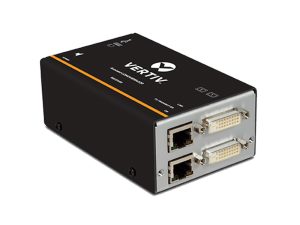
A: Military KVM extenders require TEMPEST/EMSEC compliance to prevent emanation leakage, wide operating temperature (-40 °C to +70 °C) and ruggedized connectors (MIL-DTL-38999). Single-mode fiber over 10+ km is standard for forward-deployed command posts. Look for AES-256 inline encryption, redundant power and STANAG video support where applicable. The Vertiv Avocent HMX 6000 IP matrix system is rated for secure government and defense installations. Ensure MIL-STD-810G testing for shock, vibration and humidity.
Q: KVM extender for broadcast and gaming — resolution needs?
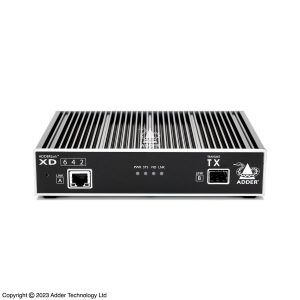
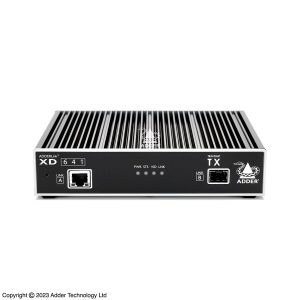
A: Broadcast and gaming demand 4K60 (3840 × 2160 at 60 Hz) with zero compression artifacts and frame-accurate lip-sync. For broadcast, dual-head configurations let one operator manage two 4K monitors. Gaming studios and esports arenas often need 144 Hz at 1080p or 4K60 for production monitors. Choose hardware-level video encoding (not software compression) and USB 3.0 pass-through. The AdderLink XD642 delivers dual-head 4K60 DisplayPort over fiber or CATx, widely deployed in OB vans and production galleries. For multi-source routing, pair with an IP matrix.
Q: 4K KVM extender 60 Hz — which models support it?
A: True 4K60 KVM extenders include the AdderLink XD642 (dual-head DisplayPort over fiber/CATx), the ATEN KE6900 (single-head with SFP fiber up to 10 km) and Vertiv Avocent HMX 6000 DP variants. Key specs: video interface must be DisplayPort 1.2 or DVI-D dual-link, transport must be fiber or dual-CAT6 HDBaseT, and the unit must support EDID passthrough to prevent the source from downgrading resolution. Avoid models advertised as ‘4K compatible’ that only support 4K30.
Q: How to choose a KVM extender OEM supplier?
A: When sourcing KVM extenders from an OEM/ODM supplier, verify five points: (1) in-house R&D with custom FPGA-based encoding, not just rebranded reference designs; (2) full certifications—CE, FCC, UL and, for medical/military, IEC 60601 or TEMPEST; (3) flexible MOQ from prototype to volume pricing; (4) firmware customization for branding, language and protocol (SNMP, BACnet, REST API); (5) tested interoperability with major KVM switch and matrix platforms. BSCOMTEC factory-directs KVM extenders with full documentation and same-day quoting. Contact us via WhatsApp for KVM extender OEM pricing.
Q: KVM switch based on IP matrix — how does it work?
A: An IP-based KVM matrix replaces traditional copper crossbar switches with a standard Ethernet network as the switching fabric. Each transmitter encodes one source (DVI, DP, HDMI or VGA + USB) into IP packets on the LAN; each receiver subscribes to its needed sources and decodes locally. This allows any-to-any routing with no hard-wired port mapping. The Vertiv Avocent HMX 6000 supports up to 256 transmitters and 256 receivers on one managed network, with role-based access control, session recording and Active Directory integration. Latency is typically 1–2 frames; failover is sub-second with redundant management appliances.
Q: Is there a KVM extender with a built-in touch screen display?
A: Two product paths cover this. Path 1 — touch passthrough on a standard extender: the USB 2.0 HID channel of an IP KVM extender (the KE6900 line included) carries touch signals, so you connect any HID-compliant touch monitor (eGalax and similar controllers) to the receiver’s USB port and the host computer treats it as a locally attached touch screen. Check the extender’s USB compatibility list and confirm the touch controller is HID-compliant, not a legacy serial-touch protocol.
Path 2 — all-in-one terminals: some receiver/zero-client units ship with an integrated touch display. If you need that form factor, shortlist by resolution, touch protocol and added latency (typically 1–2 frames over IP). For most control-room and medical-cart projects Path 1 wins, because you keep standard commercial monitors and can replace them independently of the extender.
Q: What is a wireless 5G KVM transmitter used for?
A: In the KVM world “5G” almost always means the 5 GHz radio band (or 60 GHz mmWave in premium kits), not cellular 5G. A wireless KVM transmitter sends video (HDMI/DisplayPort) plus USB HID keyboard/mouse/touch from the computer side to a wireless receiver, replacing the cable. It is the right tool where cabling is impossible or temporary: trade-show booths, broadcast set positions that move weekly, medical carts, heritage buildings and temporary control stations in meeting rooms.
The trade-offs are real: range is typically 10–30 m with line of sight, latency lands around 1–2 frames, and crowded Wi-Fi environments cause retries. For fixed infrastructure — control rooms, factories, operating theaters — an IP KVM extender like the KE6900 over Ethernet or fiber is the more robust choice: distances to 10 km, no radio interference and matrix management. Wireless wins on deployment speed; IP wins on stability and distance.
Request Specifications & Quote
Our sales engineering team provides full specifications, pricing, and configuration support within 24 hours.
Contact Us for Specifications